Upload once.
Bring up to 100 videos, photos or text posts at a time. Your original files stay untouched in the Library.
Facebook, Instagram, TikTok and YouTube
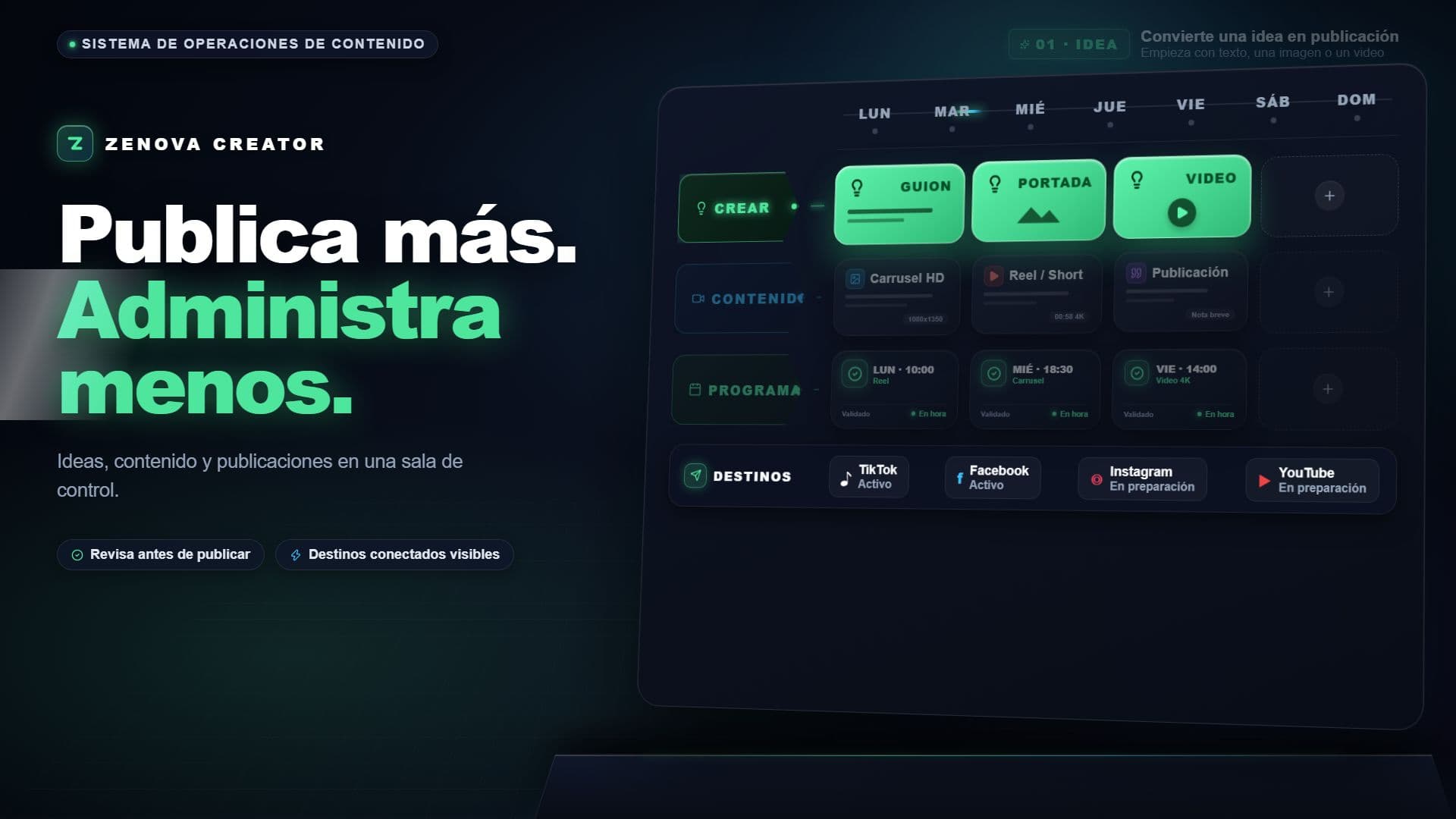
Upload a batch of videos, photos or text posts, choose the Pages and the times, and Zenova publishes them for you. You always see what is scheduled, what went out and what needs attention.
Animated preview of the Zenova workflow: upload, schedule and publish. The product tour pauses when it leaves the screen and follows your reduced-motion preference.
How it works
Each step has one clear next action. No post, Page or time changes without your review.
Bring up to 100 videos, photos or text posts at a time. Your original files stay untouched in the Library.
Pick your Facebook Pages, your Instagram accounts, your TikTok account or your YouTube channels for each post and set the date. Zenova checks spacing and each network's limits before you confirm.
See what is scheduled, what went out and what failed, with the reason. Retry or move a post from the Calendar.
Designed around the work
The Library, Create and the Calendar work together without hiding any decision. You always know what is ready, what needs review and what is already scheduled.
Your videos, photos and posts, ready to schedule.
pieces of content.
One clear workspace.
A calm space for the work that matters.
Security
Zenova keeps your access to Facebook, Instagram, TikTok and YouTube encrypted and never shows it on screen.
Your files, accounts and posts belong to your workspace and nobody else's.
Nothing is published until you confirm it, and every result appears in Activity.
Your content is already complex enough.
Upload. Schedule. Publish.
Open Zenova Creator You confirm before anything is published